




Damilola Oyetunji
Content Writer at Chatway.


Quickly respond to customer and visitor inquiries via live chat
Personalize the chat widget to match your business's style and branding
Stay updated on all incoming messages with email and push notifications
Improve the way your team works with chat assignments and private notes
Provide support on the go with Chatway's mobile apps for iOS and Android devices
Categorize and label conversations using specific criteria for personalized support
Interact with visitors in their preferred language, supporting 20+ languages
Use Chatway live chat on multiple platforms such as Shopify, Wix, Duda etc
Get insights into your support activities to better understand customer interactions
Centralize chats from Messenger and email into a single dashboard
Customer Service,Live Chat,Support,Website - 6 Mins READ
Content Writer at Chatway.

Having a website is essential for the growth of any business. However, simply having a website is not enough. It is also important to prioritize providing customers with a seamless and convenient experience when they visit your website. One way to achieve this is by incorporating a live chat widget on your website.
But what is a live chat widget? In this article we’ll explore what a live chat widget is, the benefits of implementing one on your website, factors to consider when choosing a live chat widget, how to install one, and the best practices to follow. Let’s dive in!
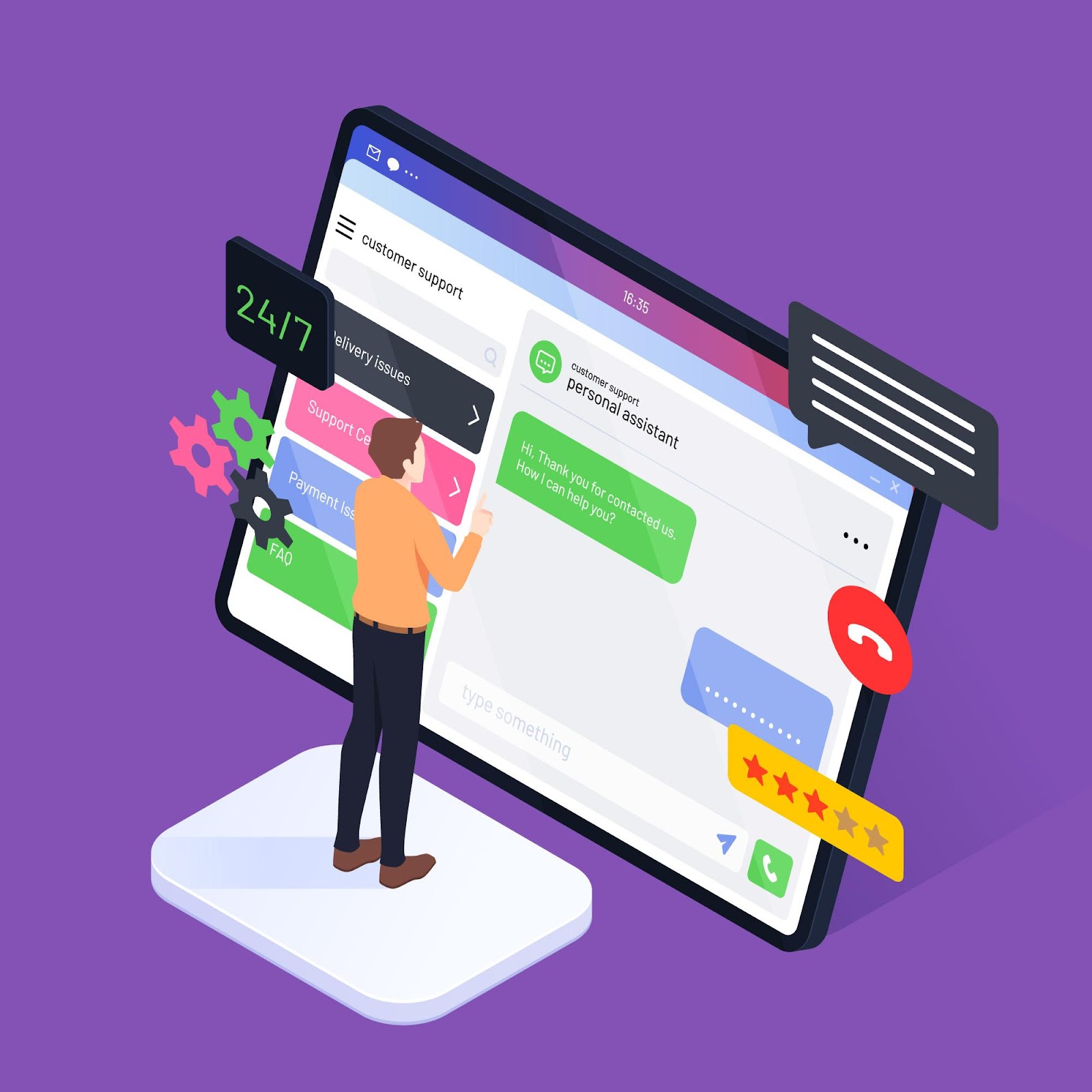
A live chat widget is like a small box or icon on a website that allows your customers to communicate with you or your support team in real-time. These widgets usually handle text conversations, but some can do more, like sharing files, sending automatic responses, and connecting with customer relationship management systems. Below is a perfect example of a website that uses Chatway live chat widget.

This can help increase customer satisfaction and loyalty, as well as improve your overall customer service. Additionally, a live chat widget can also help with lead generation, increase sales and conversions.
The advantages of incorporating a chat widget on your website are numerous.

When it comes to selecting a chat widget for your website, there are a number of important factors that you should keep in mind. Here are key factors to consider:
Choose a chat widget that seamlessly integrates with your website platform and other tools. The integration process should be straightforward, requiring minimal technical expertise to set up and maintain.
Look for a chat widget that allows for customization to match your brand’s look and feel. This includes the ability to modify colors, fonts, and other visual elements to ensure a consistent and branded user experience.
Opt for a chat widget that is mobile-friendly and responsive. Many users access websites from mobile devices, so it’s essential that the chat widget adapts to different screen sizes and maintains usability across various devices.
Consider a chat widget that supports multiple communication channels, such as email, ecommerce platforms or even social media messaging. This flexibility enables customers to choose their preferred method of communication.
Ensure that the chat widget has an intuitive and user-friendly interface. Both customers and agents should find it easy to navigate, facilitating smooth communication and issue resolution.
Look for a chat widget that provides real-time monitoring and analytics. This feature allows you to track key live chat metrics, such as response times, customer satisfaction, and chat volume, enabling data-driven improvements to your customer support strategy.
Consider a chat widget that incorporates automation features and chatbots. These tools can handle routine inquiries, gather initial information, and route inquiries to the appropriate human agent, improving efficiency.

Prioritize the security of customer data. Choose a chat widget that complies with data protection regulations and employs secure communication protocols to safeguard sensitive information.
Consider the scalability of the chat widget to accommodate your business growth. It should be capable of handling an increasing number of chat interactions without compromising performance.
Evaluate the cost structure of the chat widget, including any subscription fees, usage-based charges, or additional costs for premium features. Consider a pricing model that aligns with your budget and usage requirements.
Assess the level of customer support and training provided by the chat widget provider. Adequate support and training resources can help your team make the most of the chat widget’s features and troubleshoot any issues effectively.
By carefully considering these factors, you can choose a chat widget that not only meets your immediate needs but also aligns with your long-term business objectives, enhancing the overall customer experience on your website.
Best practices using live chat involve a combination of effective communication, customer-centric approach, and streamlined processes to enhance user experience and maximize the benefits of real-time interaction. Here are some key strategies to consider:
1. Prompt Response Time:
Ensure quick response times to customer inquiries. Aim to address queries within a few minutes to demonstrate attentiveness and dedication to customer satisfaction.
2. Personalization:
Tailor your responses to the individual needs and preferences of customers. Use their names, reference past interactions, and offer personalized recommendations to create a more engaging and customer-centric experience.
3. Clear and Concise Communication:
Communicate clearly and concisely. Avoid jargon and use simple language to ensure that customers easily understand the information provided. Break down complex issues into manageable steps for better comprehension.
4. Active Listening:
Practice active listening by fully understanding and acknowledging customer concerns. This involves asking clarifying questions and summarizing their points to ensure accuracy.
5. Knowledgeable Agents:
Equip your live chat agents with comprehensive product knowledge and training. You can set up a easily accessible knowledge base that allows them to provide quick and accurate responses and solutions to customers queries.
6. Multitasking Capabilities:
Train agents to handle multiple chat sessions simultaneously without compromising the quality of service. Efficient multitasking ensures that customers receive timely responses.
7. Proactive Engagement:
Anticipate customer needs and proactively offer assistance. Implement proactive chat invitations based on user behavior, such as prolonged browsing or repeated visits to specific pages.
8. Seamless Integration with Other Channels:
Integrate live chat seamlessly with other customer support channels like email, phone, and social media. This ensures a consistent experience for customers regardless of the channel they choose.
9. Data Security and Privacy:
Prioritize the security and privacy of customer data. Assure customers that their information is safe and implement secure protocols to protect sensitive details.
10. Feedback Mechanism:
Establish a feedback loop to gather insights from customers about their live chat experience. Use this feedback to make continuous improvements to your live chat support.
11. Monitoring and Analytics:
Utilize monitoring tools and analytics to track performance metrics, such as response times, customer satisfaction, and issue resolution rates. Use these insights to refine and optimize your live chat strategy.
12. Training and Ongoing Development:
Provide regular training sessions for live chat agents to keep them updated on product changes, industry trends, and evolving customer needs. Foster a culture of continuous learning and improvement.
By incorporating these live chat best practices into your strategy, you can enhance customer satisfaction, streamline support processes, and contribute to the overall success of your business.
In conclusion, having a live chat widget on your website offers you many advantages such as helping you create a user friendly experience for your website visitors and providing quick answers to their questions. By embracing the best practices and carefully choosing a good chat solution you can take advantage of the full potential of having live chat widget on your website. Ready to elevate your customer support and communicate better with your customers? Get started with Chatway today
Content Writer at Chatway.

Content Writer at Chatway.

Content Writer at Chatway.