




Damilola Oyetunji
Content Writer at Chatway.


Quickly respond to customer and visitor inquiries via live chat
Personalize the chat widget to match your business's style and branding
Stay updated on all incoming messages with email and push notifications
Improve the way your team works with chat assignments and private notes
Provide support on the go with Chatway's mobile apps for iOS and Android devices
Categorize and label conversations using specific criteria for personalized support
Interact with visitors in their preferred language, supporting 20+ languages
Use Chatway live chat on multiple platforms such as Shopify, Wix, Duda etc
Get insights into your support activities to better understand customer interactions
Centralize chats from Messenger and email into a single dashboard
Live Chat - 7 Mins READ
Content Writer at Chatway.

Live chat software is a great medium to connect with your potential clients, solve their problems, and encourage them to take the next step. When you have a solid customer support team that can respond quickly, you can enhance the user’s experience, which could lead to more sales.
There are hundreds of live chat tools out there, but unfortunately, some of them are expensive. Of course, you’re paying for more features or a more advanced platform, but some businesses just don’t have the resources to get it.
The solution is to consider free live chat tools. Even though some of them come with limited features, they still do a great job for small businesses or those with a lower budget.
Let’s cover the seven best live chat tools you can get for free today!
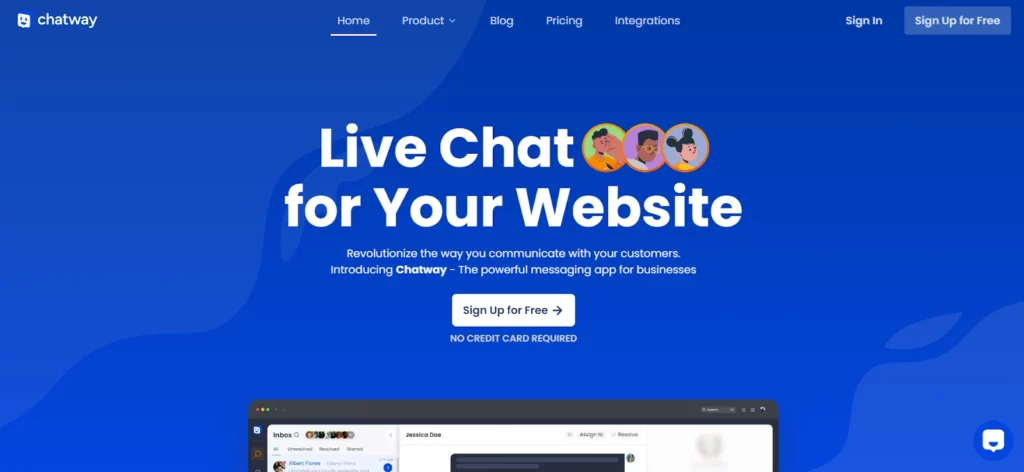
Chatway is a powerful messaging app that any business can use. It allows you to talk to your website visitors and customers in real time, answer questions quickly, and boost customer satisfaction.
One of the best parts about Chatway is that it offers mobile support, which allows your agents to answer clients from wherever they are.
Key Features
The way Chatway works is simple. When someone clicks on the live chat widget, your team will receive a notification immediately. An agent can take the chat request and provide answers.
You can customize your widgets in any way you consider appropriate. Moreover, you don’t have to limit yourself to text messages. Chatway allows you to share documents and files to provide better context during your conversations.
Furthermore, Chatway is currently available for free, so you can get all of its features with no issue. This is the perfect solution if you’re on a tight budget.
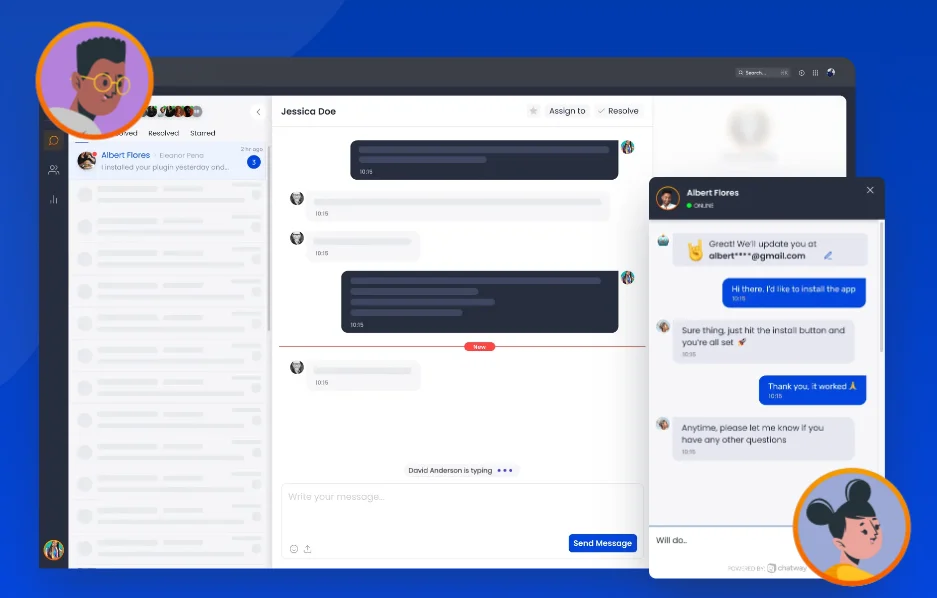
Here’s an overview of what to expect:
Pros
Cons
User Feedback
Most users praise Chatway for its ease of use and value. The only concern among a few people is about its lack of extra features. However, Chatway plans to roll out some features in the near future, such as automation, AI writer assistant, and knowledge base.
See how Chatway compares to other live chat tools.

Chaty allows you to add multiple communication channels to your chat widgets on your website. What makes it special is the fact that it supports plenty of social platforms, making it ideal for those with numerous communication channels.
Key Features
Some of the best features of Chaty include:
Chaty’s free plan includes more than enough to get started. If you ever want a few more features, you can consider any of its three paid plans later.
Pros
Cons
User Feedback
Most of Chaty’s feedback is positive, with most people talking about its ease of setup and simplicity.
There are a few negative reviews mentioning how it doesn’t support some specific messaging apps. However, this shouldn’t be a problem if you’re going for the most popular ones.
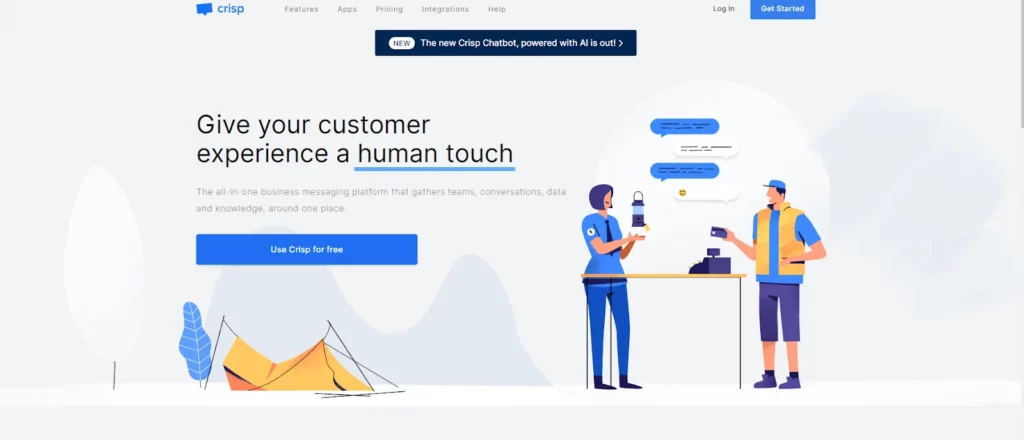
Crisp allows you to build a multi-channel chat box to talk to people through Facebook, WhatsApp, your website, and more in a single space. Depending on your needs, you can either set up a chatbot or a live chat widget.
Key Features
Here’s a list of features that make Crisp special:
Pros
Cons
User Feedback
Most reviewers claim how great Crisp is for small businesses or those with personal websites. Unfortunately, some people list that as a disadvantage.
Crisp may only work for you if you have a smaller company.
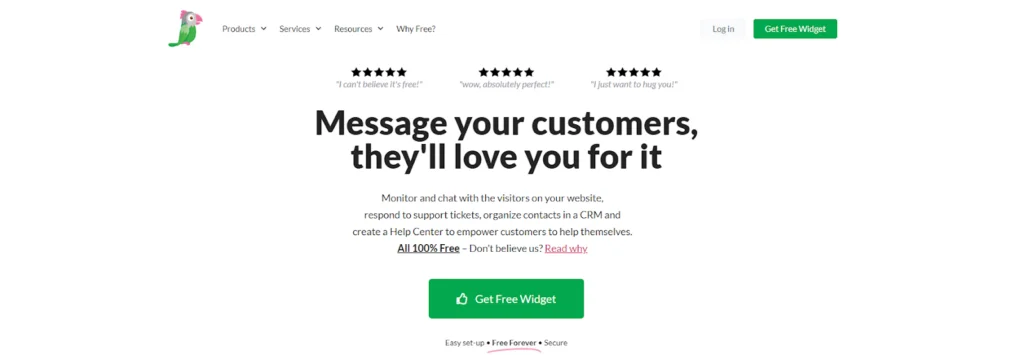
Tawk.to is known for being an entirely free product just like Chatway. It allows you to seamlessly manage your customer chats across different websites.
Key Features
Essentially, Tawk.to offers:
Pros
Cons
User Feedback
Most reviews mention how simple yet effective Tawk.to is. However, a few people have mentioned that it has a learning curve, which has led to some confusion while setting up.
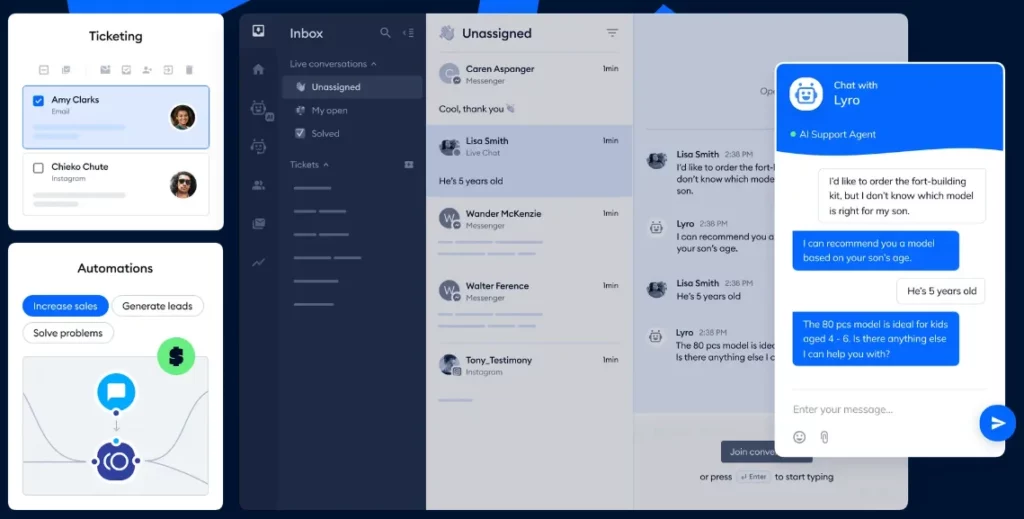
Unlike other platforms on the list, Tidio focuses on AI customer service. However, it also allows you to balance it out with human interactions.
Key Features
Besides the AI assistant that comes with Tidio, here’s what you can expect from it:
Pros
Cons
User Feedback
Even though not everyone is convinced of AI assistance, most people have mentioned how it helps make customer support simpler.
Some negative reviews mention that it doesn’t allow you to include your own branding on the widgets and that it may be easier to set everything up from scratch rather than using a template.
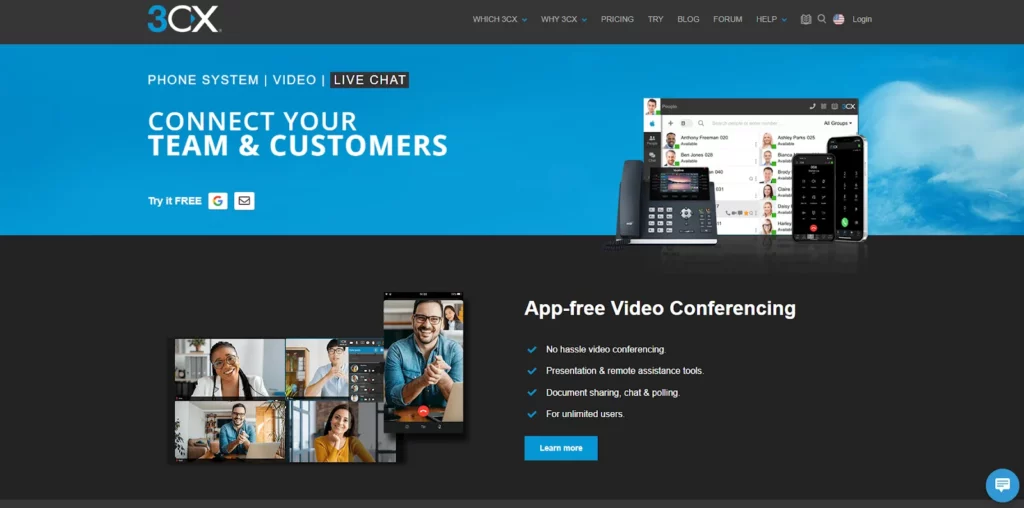
This free live chat tool allows you to connect with your customers through different methods besides a regular text box. It also supports video conferences and phone calls.
Key Features
Here are some of the best features of 3CX:
Pros
Cons
User Feedback
3CX has positive reviews for the most part. Some people mention it could use some improvement in terms of design and features, though.
JivoChat is a reputable platform that allows you to connect with your customers. Thanks to its wide range of features, you can easily bring all your contact channels to a single location, making your customer service much more efficient.
Key Features
Find out what makes JivoChat great for businesses below:
Pros
Cons
User Feedback
JivoChat has many positive reviews on most websites, although a few people mention how the design of the platform is a bit outdated.
You now have seven different free live chat tools to work with. Which one works best for you?
Ultimately, it’s your choice. While all of these platforms focus on the same goal of enhancing your customer support department, some of them may have unique features that cover specific needs.
Here’s a list of factors you should consider when choosing a free live chat tool:
If you’re looking for a program that ticks all these boxes, consider Chatway. It allows you to enjoy all the benefits of a live chat platform.
Remember to be patient and choose the right software according to your needs.
Setting up your live chat tool is only one step of the process. There are many things to consider if you want to make the most out of it, including responses, and more.
Let’s find out everything you can do to make your free live chat tool perfect for your business needs:
The ultimate live chat solution is the one that covers as many of your needs as possible. Even though most of these platforms offer limited capabilities in their free plan, they’re perfect for discovering how much they can help your business.
Do you want to go for the most comprehensive free platform? Consider Chatway. It provides the most user-friendly approach to live chatting.
Sign up on Chatway for free, and discover a revolutionary way to handle all your customer support needs.
Content Writer at Chatway.

Live Chat - 7 Mins READ
Content Writer at Chatway.

Live Chat - 6 Mins READ
Content Writer at Chatway.