




Damilola Oyetunji
Content Writer at Chatway.


Quickly respond to customer and visitor inquiries via live chat
Personalize the chat widget to match your business's style and branding
Stay updated on all incoming messages with email and push notifications
Improve the way your team works with chat assignments and private notes
Provide support on the go with Chatway's mobile apps for iOS and Android devices
Categorize and label conversations using specific criteria for personalized support
Interact with visitors in their preferred language, supporting 20+ languages
Use Chatway live chat on multiple platforms such as Shopify, Wix, Duda etc
Get insights into your support activities to better understand customer interactions
Centralize chats from Messenger and email into a single dashboard
Live Chat,Support,Website - 6 Mins READ
Content Writer at Chatway.

Transforming your Wix website into a hub of dynamic and real-time customer engagement is now easier than ever with the advent of live chat apps. In this article, we explore the top 5 Wix Live Chat apps, each bringing its own set of features to improve communication, foster connections, and elevate your online presence. Discover how these apps can seamlessly integrate into your Wix website, offering not just support but a personalized and interactive experience for your visitors.

1. Improved Customer Engagement: Live chat apps enable real-time communication with visitors, providing them with immediate assistance and engaging them in a way that static websites cannot. This interaction helps in building a connection with the audience, making the website more than just a digital brochure.
2. Increased Conversion Rates: By addressing customer queries instantly and effectively, live chat apps can significantly reduce the bounce rate and encourage visitors to complete desired actions, whether it’s making a purchase, signing up for a newsletter, or scheduling an appointment.
3. Enhanced User Experience: Offering live chat shows that a business values its customers’ time and is committed to providing them with a convenient and seamless experience. This level of service can greatly enhance the overall perception of a brand.
4. Valuable Insights and Feedback: Live chat interactions provide immediate feedback and insights into customer needs and preferences, which can be invaluable for businesses in tailoring their offerings and improving their services.
#1- Chatway
Chatway is a live chat application designed to assist businesses in delivering top-notch customer support to their customers and website visitors. Chatway provides comprehensive features that facilitate prompt responses, enhance team collaboration, and offer valuable insights, among other benefits.
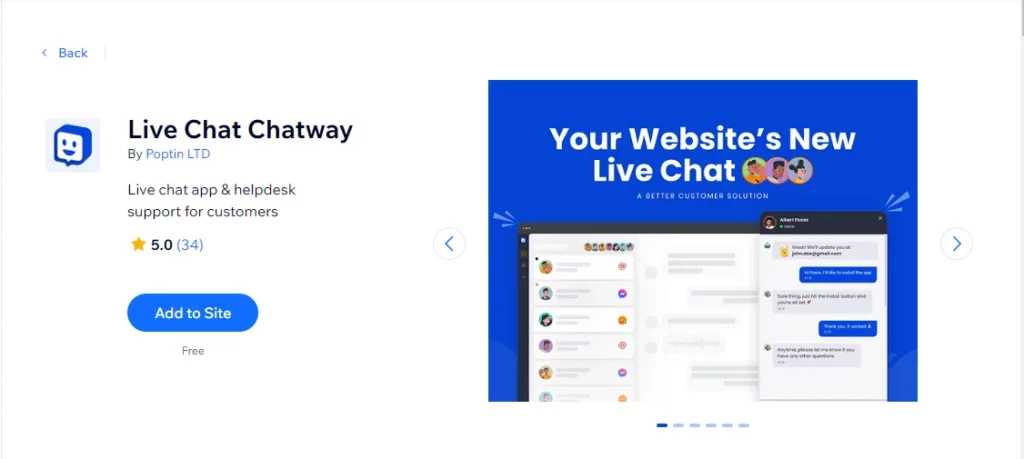
Key Features:
Integration with Wix:
Chatway is designed to integrate smoothly with Wix websites. The installation process is straightforward, involving just a few clicks without the need for any coding. This seamless integration ensures that Wix users can easily add Chatway to their site, enhancing their customer interaction capabilities without disrupting the existing website layout or functionality. See how to install Chatway on Wix website
Pricing:
Free Plan:
NB- Currently, all Chatway’s features are available for free. However, a paid plan will be introduced in the near future, with the option of a free forever plan.
#2- Chaty
Chaty is a multi-channel wix live chat application that allows businesses to engage with their website visitors through their preferred messaging platforms, such as WhatsApp, Facebook Messenger, Line, Viber, Contact Form, SMS text, email, phone call button, Telegram, Skype, TikTok, Instagram, Snapchat, Twitter, and many others.
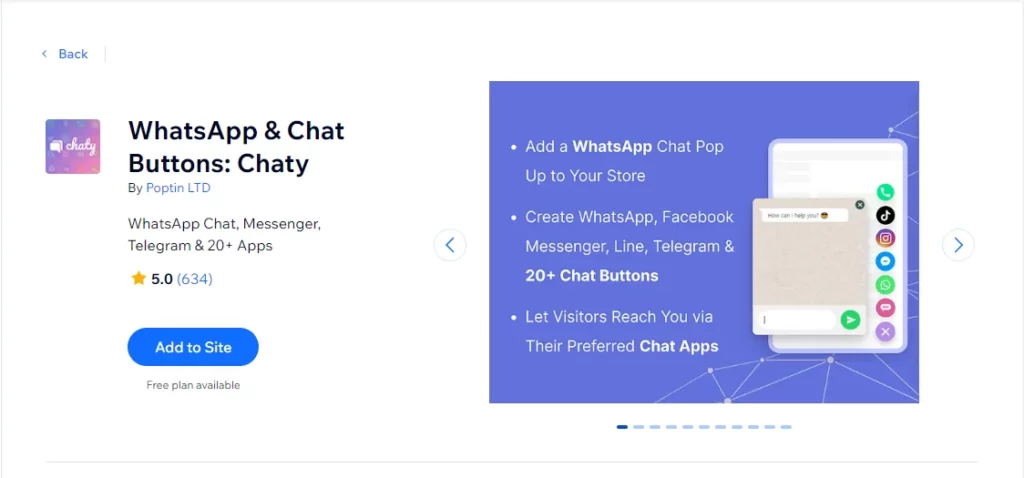
Wix Rating: 5.0
Key Features:
Pricing:
#3- LiveChat
LiveChat is a user-friendly wix live chat plugin equipped with features aimed at delivering prompt and efficient customer support. The platform provides software solutions for managing business communications, lead generation, and online sales. Its intuitive and easily customizable interface seamlessly integrates with any website.
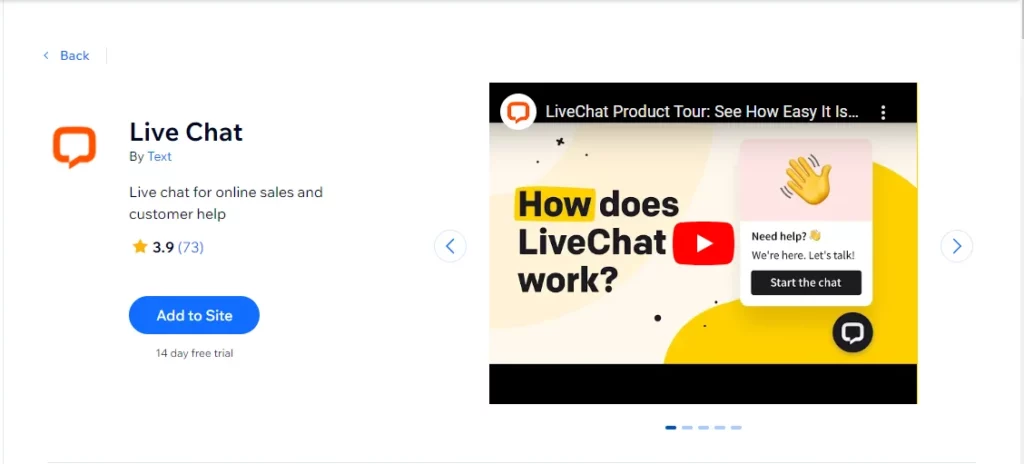
Wix Rating: 3.9
Key Features:
Pricing
#4- Facebook Messenger Live Chat
Facebook Messenger Live Chat is a Wix plugin that enables businesses to provide seamless, real-time customer support through live chat using Facebook Messenger on their Wix website.
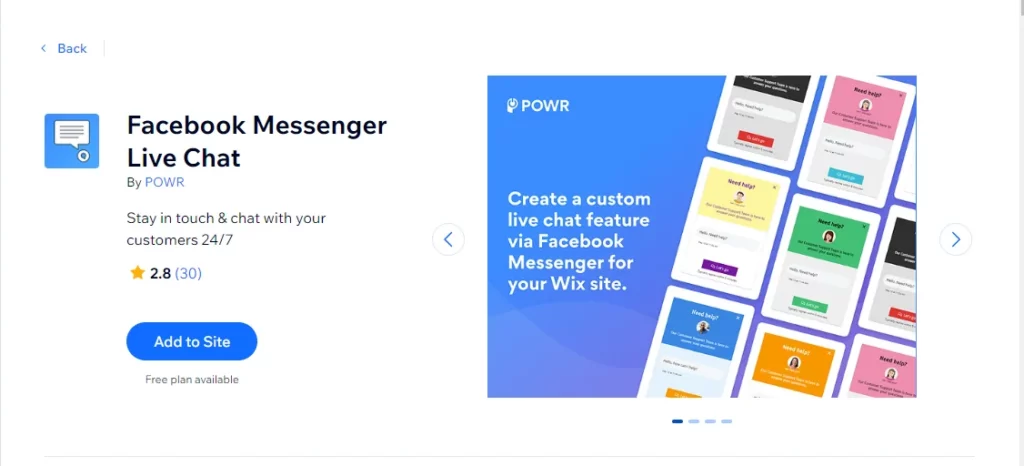
Wix Rating: 2.8
Key Features:
Pricing
#5- Tidio
Tidio is a live chat plugin that caters to the needs of small and medium businesses by providing effective customer support. This wix live chat app not only gathers valuable insights into consumer behavior but also facilitates proactive customer service, all at no cost. Streamlining day-to-day customer interactions, Tidio offers practical features such as sending welcome messages in offline mode and utilizing canned responses.

Wix Rating: 4.5
Key Features:
Pricing
Before selecting a live chat app for your Wix website, there are several key considerations to keep in mind to ensure that the chosen solution aligns with your business needs and enhances user experience. Here are some essential things to note:
1. Integration with Wix: Ensure that the live chat app seamlessly integrates with the Wix platform. This integration is crucial for easy implementation and a cohesive user experience on your website.
2. Features and Customization: Assess the features offered by the live chat app. Look for customization options, such as branding, widget appearance, and automated responses. Consider whether the app provides features like file sharing, and chat history for a comprehensive user experience.
3. User-Friendly Interface: Opt for a live chat app that offers an intuitive and easy-to-use interface. Both your team and website visitors should find it simple to navigate and interact with the chat system.
4. Mobile Responsiveness: Confirm that the live chat app is mobile-friendly. With a growing number of users accessing websites through mobile devices, it’s essential that the chat functionality works seamlessly on smartphones and tablets.
5. Real-Time Visitor Monitoring: Look for apps that provide real-time monitoring of visitor activities. This feature allows you to understand user behavior, see what they are typing before they send a message, and proactively engage with potential customers.
6. Integration with Other Platforms: Consider whether the live chat app integrates with other tools and platforms that you use, such as CRM systems, social media, or email. This integration can streamline your workflow and provide a more cohesive customer support experience.
7. Scalability: Choose a live chat solution that can grow with your business. Ensure that it can handle an increasing volume of chats and offers scalability options, especially if you plan to expand your online presence.
8. Cost and Pricing Plans: Evaluate the pricing structure of the live chat app. Some may offer a free plan with limited features, while others may have tiered pricing based on usage or additional features. Consider your budget and choose a plan that meets your requirements.
9. Customer Support and Training: Check the level of customer support provided by the live chat app provider. Look for resources such as tutorials, documentation, and responsive customer support to assist you in case of any issues.
10. User Reviews and Ratings: Research user reviews and ratings for the live chat app. Real-world experiences from other users can provide insights into the app’s performance, reliability, and overall satisfaction.
By carefully considering these factors, you can make an informed decision and select the Wix live chat app that best suits your website and business goals.
To wrap up this exploration of the best Wix live chat apps, it’s clear that each app brings distinctive features, significantly improving the functionality and user experience of a Wix website.
These live chat apps offer a range of capabilities, from AI-driven automated responses and multilingual support to extensive customization options and proactive engagement tools. They are designed to meet different business needs and customer interaction strategies.
In essence, the aim is to choose a live chat app that aligns with your business objectives, enhances your Wix website’s functionality, and provides customers with a seamless and satisfying interaction experience. By carefully evaluating the options and matching them to your specific needs, you can use these powerful tools not only to meet but surpass customer expectations.
If you’re looking for a good starting point, consider giving Chatway a try.
Content Writer at Chatway.

Content Writer at Chatway.

Content Writer at Chatway.