Live Chat Customer Support Workflow: A Practical Guide for Faster, Safer Service
A live chat customer support workflow is the repeatable process your team uses to receive, prioritize, answer, escalate, and close customer conversations. The best workflows combine clear ownership, helpful resources, thoughtful automation, privacy safeguards, and human judgment. Instead of asking agents to improvise every interaction, a well-designed workflow gives them a reliable path from the first message to a useful resolution.
This guide explains how to create that process for an ecommerce store, SaaS company, service business, or growing support team. You will learn how to define chat coverage, route conversations, write effective opening messages, use saved replies without sounding robotic, handle escalations, measure performance, and improve the workflow over time.
What is a live chat customer support workflow?

A live chat customer support workflow is a documented sequence of actions that determines what happens when a customer starts a conversation. It answers practical questions such as:
- Who receives the chat?
- How quickly should someone acknowledge it?
- Which conversations require immediate escalation?
- What information can an agent request?
- When should the issue move to email, a phone call, or another team?
- How does the agent confirm that the customer’s problem is resolved?
- Which metrics show whether the process is working?
Without a defined workflow, support quality often depends on individual memory and communication style. One agent may provide a complete answer while another gives a short reply and closes the conversation too soon. A workflow creates consistency while still leaving room for empathy and professional judgment.
Why a structured live chat workflow matters
Live chat feels immediate to customers, but immediacy creates operational pressure. Visitors expect a quick acknowledgment, clear answers, and an easy way to continue if the issue cannot be solved in one conversation. A structured workflow helps your team meet those expectations without turning every chat into a rushed exchange.
It also improves the experience for agents. When routing rules, escalation paths, saved replies, and knowledge resources are easy to find, agents spend less time searching for basic information. That leaves more attention for understanding the customer’s specific situation.
A documented process is especially useful when:
- Several agents share the same inbox.
- Your business supports customers across time zones.
- Product, billing, shipping, or technical questions require different owners.
- New agents need to become productive quickly.
- Chat volume changes during promotions, launches, or seasonal peaks.
- You want to review support quality using consistent criteria.
For a broader look at productivity principles, see this guide to live chat customer support productivity.
Step 1: Define the purpose and scope of chat
Before choosing automation or writing scripts, decide what live chat is designed to accomplish. A useful chat channel may handle pre-purchase questions, order support, account assistance, troubleshooting, product education, or all of these. However, your team should know which issues belong in chat and which require another channel.
Start by listing your most common conversation types. For an ecommerce business, the list might include:
- Product fit, sizing, compatibility, or availability.
- Shipping timelines and delivery questions.
- Order changes, cancellations, returns, and exchanges.
- Payment or checkout problems.
- Discount or promotion questions.
- Product setup and basic troubleshooting.
Then define boundaries. For example, agents may explain a return policy but require a secure process for changing payment details. They may help locate an order but should not request unnecessary sensitive information in an open chat. Clear boundaries protect customers and reduce inconsistent decisions.
Write a short internal statement such as: “Live chat helps customers choose the right product, understand their order, and resolve common issues. Complex technical cases, account-security concerns, and exceptions are escalated according to the escalation matrix.”
Step 2: Set coverage, ownership, and routing rules
A chat workflow needs an owner at every stage. Decide who monitors incoming conversations, who handles each category, and who takes responsibility when the first agent cannot resolve the issue.
A simple routing model can use three levels:
- General support: common questions that trained frontline agents can answer.
- Specialist support: billing, technical, fulfillment, or product questions that require deeper knowledge.
- Escalated support: complaints, security concerns, legal requests, repeated failures, or high-impact incidents.
Routing can be based on the customer’s selected topic, page visited, order status, language, business account type, or the agent’s availability. Keep the rules understandable. Overly complicated routing can delay the first response and make ownership unclear.
Define what happens outside staffed hours. Customers should know whether they are contacting a person, leaving a message, or receiving automated guidance. An honest offline message is better than an implied promise that no one can meet.
For larger teams, agent groups can make ownership clearer. You can also create an operating workflow that scales by documenting responsibilities before volume becomes difficult to manage.
Step 3: Design the first-response process
The first response should acknowledge the customer, show that the conversation is being handled, and move the issue forward. It does not need to solve everything immediately. It does need to avoid vague promises.
A strong opening usually contains three parts:
- A greeting that sounds natural for your brand.
- A brief acknowledgment of the customer’s question.
- A focused question or next step.
For example: “Hi Maya, thanks for reaching out. I can help check whether this item will work with your current setup. Which model are you using?”
For an order issue, an agent might say: “I’m sorry the delivery has not arrived as expected. I’ll help you check the latest status. Could you share the order number or the email address used at checkout?”
The goal is not to produce the longest greeting. The goal is to reduce uncertainty. Customers should understand that the message was received and what information is needed next.
Set an internal target for acknowledgment and distinguish it from full resolution time. A quick acknowledgment followed by a long silence can feel worse than a transparent message explaining that the agent is checking with another team.
Step 4: Create a repeatable conversation structure
Agents need flexibility, but a consistent conversation structure helps prevent missed steps. A practical five-stage model is:
- Discover: understand what the customer is trying to accomplish.
- Clarify: ask only the questions needed to diagnose the issue.
- Resolve: provide the answer, action, or guided next step.
- Confirm: check whether the solution addresses the customer’s concern.
- Close: summarize the outcome and explain what happens next.
Discovery prevents agents from solving the wrong problem. Clarification keeps the conversation focused. Confirmation prevents premature closure. Closing gives the customer a clear record of the outcome.
For example, a customer who asks, “Where is my order?” may actually be worried that the package will not arrive before a specific event. The agent should answer the tracking question while also addressing the underlying timing concern when possible.
Use plain language. Avoid internal terms, unexplained abbreviations, and long blocks of policy text. If a policy affects the answer, summarize the relevant part and offer a link to the full information.
Step 5: Build a reliable knowledge system
Agents cannot provide consistent answers if the information they need is scattered across documents, dashboards, team messages, and personal notes. Create one clearly maintained source of truth for policies, product information, troubleshooting steps, and escalation rules.
Useful knowledge base categories include:
- Product specifications and compatibility.
- Shipping, returns, refunds, and warranty policies.
- Account and subscription procedures.
- Common technical troubleshooting.
- Approved exceptions and escalation criteria.
- Communication guidelines and tone examples.
Every article should have an owner and a review date. Outdated information is dangerous because it creates confident but incorrect answers. If a policy changes, update both the knowledge article and any saved replies that reference it.
A knowledge base should support agents, not replace judgment. Give agents enough context to adapt the answer to the customer’s situation. A helpful resource can explain what to do, why the step matters, and when to escalate.
Learn more about the benefits of a knowledge base for customer support and how organized documentation can support faster service.
Step 6: Use saved replies without sounding robotic
Saved replies are useful for frequent questions, but copying and pasting them without adaptation can make the experience feel impersonal. Treat them as starting points rather than complete conversations.
A good saved reply should be:
- Short enough to scan quickly.
- Specific to one situation.
- Written in customer-friendly language.
- Easy for an agent to personalize.
- Reviewed when policies or products change.
Instead of a generic message such as “Please see our policy,” write a response that answers the likely question: “You can request a return within the period shown in our return policy. Once the item is received and inspected, the refund is sent to the original payment method. I can also help you start the request.”
Personalization does not require a long message. Using the customer’s name, acknowledging the exact problem, or referencing the relevant product can make a short answer feel attentive.
Keep separate replies for acknowledgment, clarification, troubleshooting, escalation, delay notifications, and closure. This makes it easier for agents to choose the right message without forcing one script to handle every situation.
Step 7: Add privacy and security safeguards
Customer support conversations may contain names, contact information, order details, account information, or other personal data. Your workflow should define what agents may request, where they may view it, and what should never be collected in chat.
A privacy-conscious process follows the principle of collecting only information that is relevant and necessary for the task. The National Institute of Standards and Technology’s explanation of data minimization describes limiting personal information collection, use, and retention to what is needed for an authorized purpose.
Practical safeguards include:
- Do not request full payment card numbers, passwords, or authentication secrets in chat.
- Use approved verification steps before discussing protected account information.
- Tell customers why a piece of information is needed.
- Limit access to conversations based on job responsibilities.
- Define retention and deletion practices for chat transcripts.
- Train agents to recognize suspicious requests and account-takeover signals.
Make security instructions easy to follow. Agents should know exactly when to stop troubleshooting in chat and move the customer to a secure account or verification process.
Step 8: Make the chat experience accessible
Accessibility should be part of the workflow, not an afterthought. Customers may use keyboards, screen readers, magnification, voice input, or other assistive technologies. The chat widget, messages, forms, and error states should be understandable and usable across different needs.
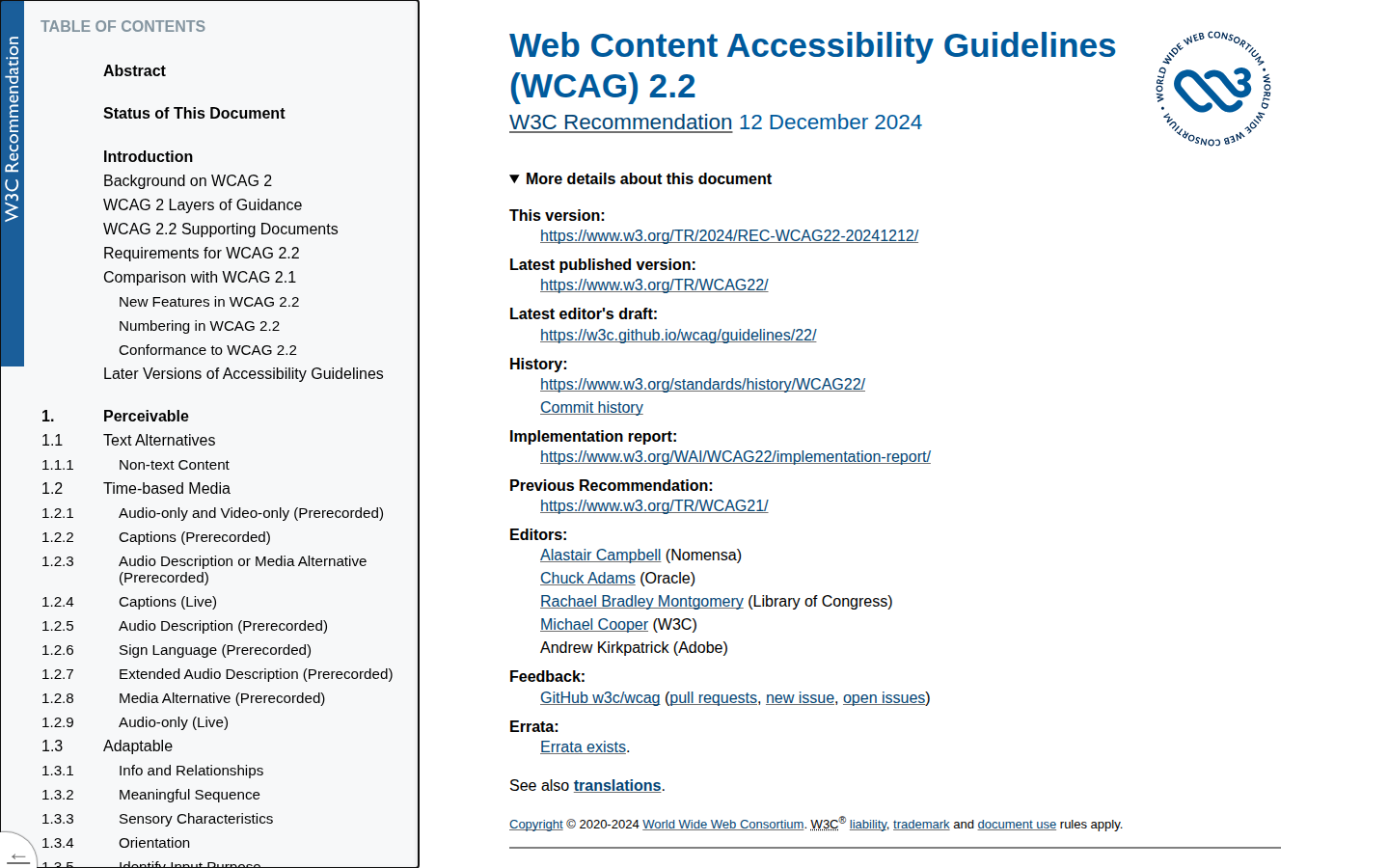
The Web Content Accessibility Guidelines 2.2 include requirements related to labels, error identification, input assistance, and preventing mistakes. In practice, support teams should use clear labels, descriptive instructions, readable text, sufficient contrast, and error messages that explain how to recover.
Agents also contribute to accessibility. Avoid relying only on color to explain status, do not send unexplained screenshots as the only answer, and describe important information in text. If a customer says they cannot use a particular interface element, offer an alternative path rather than repeating the same instruction.
Step 9: Define escalation rules and handoffs
Escalation is not a failure. It is a controlled way to involve the right person when the issue exceeds an agent’s authority, knowledge, or access.
Document escalation triggers such as:
- Potential account compromise or unauthorized activity.
- Repeated contact about the same unresolved issue.
- High-value orders or business-critical service interruptions.
- Requests involving legal, regulatory, or safety concerns.
- Refunds, credits, or exceptions beyond the agent’s approval limit.
- Technical problems requiring engineering or product investigation.
- Threats, harassment, or serious complaints.
A good handoff includes the customer’s goal, relevant facts, actions already taken, evidence or order details that are safe to share, and the requested next step. Do not make the customer repeat the entire story whenever possible.
Tell the customer what will happen next and when they should expect an update. If the timeline is uncertain, say so. A transparent handoff is better than promising a deadline that depends on another team.
Step 10: Close conversations carefully
Closing a chat should confirm that the customer has what they need. An agent can summarize the resolution in one or two sentences and invite a final question.
For example: “Your replacement request has been submitted, and the new shipment will be processed by the fulfillment team. You will receive the next update by email. Is there anything else I can clarify before we close this chat?”
Avoid closing immediately after sending a help article or instruction. Give the customer a chance to confirm whether the information solved the problem. If there is no response after a reasonable pause, use a polite closing message that explains how they can return to support.
For conversations involving a follow-up, record the owner and next action. A chat should not be considered complete merely because the window was closed.
Step 11: Measure workflow quality, not just speed
Response time matters, but it is only one part of support quality. A team can reply quickly and still create a poor experience if answers are incomplete, customers need to repeat themselves, or issues are closed prematurely.
Track a balanced set of measures:
- First-response time: how long customers wait for an initial acknowledgment.
- Resolution time: how long it takes to provide a complete solution.
- First-contact resolution: how often issues are solved without avoidable follow-up.
- Reopen or repeat-contact rate: how often customers return about the same issue.
- Escalation rate: how frequently conversations require another team.
- Customer feedback: what customers say about clarity, effort, and helpfulness.
- Conversation quality: whether the agent followed required steps and communicated accurately.
Use metrics to find friction, not to pressure agents into rushing. For example, a longer resolution time may indicate a complicated product process, poor documentation, or an approval bottleneck rather than low agent productivity.
Review a sample of conversations each week. Look for repeated questions, unclear policies, unnecessary transfers, and points where customers become frustrated. Then improve the underlying process instead of simply telling agents to work faster.
Common mistakes that weaken live chat workflows
Using automation without a human fallback
Automation can collect context and answer routine questions, but customers need a clear path to a person when the issue is unusual or sensitive. Make the handoff visible and preserve the conversation history.
Measuring only first-response time
A fast first reply is valuable, but it does not prove that the customer received a correct answer. Pair speed measures with resolution quality and repeat-contact data.
Writing rigid scripts
Scripts should guide agents, not force every customer into the same conversation. Encourage agents to adapt wording while preserving required policy and security steps.
Requesting too much information
Asking for unnecessary details creates friction and can increase privacy risk. Request only what is needed for the specific task.
Failing to update the knowledge base
Old answers create repeated errors. Assign ownership for content reviews and update saved replies when products, policies, pricing, or fulfillment processes change.
How to improve the workflow over time

Do not try to perfect the entire process before launch. Start with your highest-volume conversation types and improve the workflow in short review cycles.
A practical monthly review can include:
- Identify the top five reasons customers contact support.
- Review conversations with long delays or repeat contacts.
- Compare escalations with the documented rules.
- Update one or two knowledge articles and saved replies.
- Ask agents which steps create avoidable work.
- Test the chat experience on mobile and with keyboard navigation.
- Check whether privacy and access controls still match the process.
For ecommerce teams, live chat can also support conversion by answering questions before checkout. Use it responsibly: offer relevant help when customers show uncertainty, but avoid interrupting every visitor with aggressive prompts. This guide to reducing cart abandonment with live chat covers practical ways to support shoppers without adding unnecessary friction.
You can also connect the workflow to broader support channels. If customers move between chat, email, and messaging apps, preserve the context and ownership so the experience feels continuous rather than fragmented. When planning a multichannel process, review this overview of bringing WhatsApp and chat support together.
Final checklist for a live chat customer support workflow
Before launching or revising your workflow, confirm that your team can answer “yes” to these questions:
- Is the purpose of live chat clearly defined?
- Does every conversation have a clear owner?
- Are routing and escalation rules documented?
- Can agents find accurate product and policy information quickly?
- Are saved replies easy to personalize?
- Does the process limit unnecessary collection of personal information?
- Can customers access human help when automation cannot resolve the issue?
- Does the chat experience support different accessibility needs?
- Do agents confirm resolution before closing?
- Are speed, quality, customer effort, and repeat contacts reviewed together?
A strong workflow is not a collection of scripts. It is a shared operating system for customer conversations. When responsibilities are clear, information is trustworthy, handoffs are controlled, and agents have room to use judgment, live chat becomes faster without becoming careless. The result is a more consistent customer experience and a support team that can handle growth with less confusion.
Frequently asked questions
What is the most important part of a live chat customer support workflow?
Clear ownership is the foundation. Every conversation should have a defined next step, a responsible person or team, and a way to confirm resolution. Without ownership, even helpful answers can lead to delays and repeated customer effort.
How fast should a live chat agent respond?
Set a response target based on your staffing, customer expectations, and conversation type. More important than choosing a universal number is distinguishing acknowledgment from full resolution and communicating honestly when additional investigation is required.
Should live chat agents use canned responses?
Yes, when saved replies are accurate, concise, and personalized. They are useful for common questions and required notices, but agents should adapt them to the customer’s situation instead of sending generic text without context.
When should a chat conversation be escalated?
Escalate when the issue involves security, legal or safety concerns, sensitive account changes, approval limits, repeated failed attempts, or knowledge outside the agent’s role. The handoff should include the conversation context and a clear next action.
How can a business protect customer privacy in live chat?
Collect only information necessary for the task, never request passwords or full payment card details, use approved verification steps, limit access to transcripts, and define retention practices. Agents should also know when to move a conversation to a secure account process.
What metrics should a live chat team track?
Track first-response time, resolution time, first-contact resolution, repeat-contact rate, escalation rate, customer feedback, and conversation quality. Reviewing these measures together gives a more accurate view than optimizing speed alone.