



Gal Dubinski
Gal Dubinski is the co-founder of Chatway, where he helps businesses improve customer communication through live chat and AI.


Quickly respond to customer and visitor inquiries via live chat

See who's browsing your website live and instantly start conversations

Improve the way your team works with chat assignments and private notes

Interact with visitors in their preferred language, supporting 20+ languages

Chatway helps eCommerce recover carts, answer questions, and boost sales.

Use Chatway AI to automate conversations and support.

Use Chatway for SaaS to convert trial users into customers with support.

Chatway helps support teams resolve issues quickly and improve satisfaction.

Finance teams use Chatway for secure client questions.

Learn why Chatway is the best live chat tool for student support.

Chatway enhances booking by guiding travelers and answering questions.

Real estate teams use Chatway to respond to inquiries and close deals.

Chatway connects you with clients quickly and offers personalized service.

Chatway helps engage candidates and streamline hiring.

Engage supporters, answer questions, and build relationships.
Gal Dubinski is the co-founder of Chatway, where he helps businesses improve customer communication through live chat and AI.
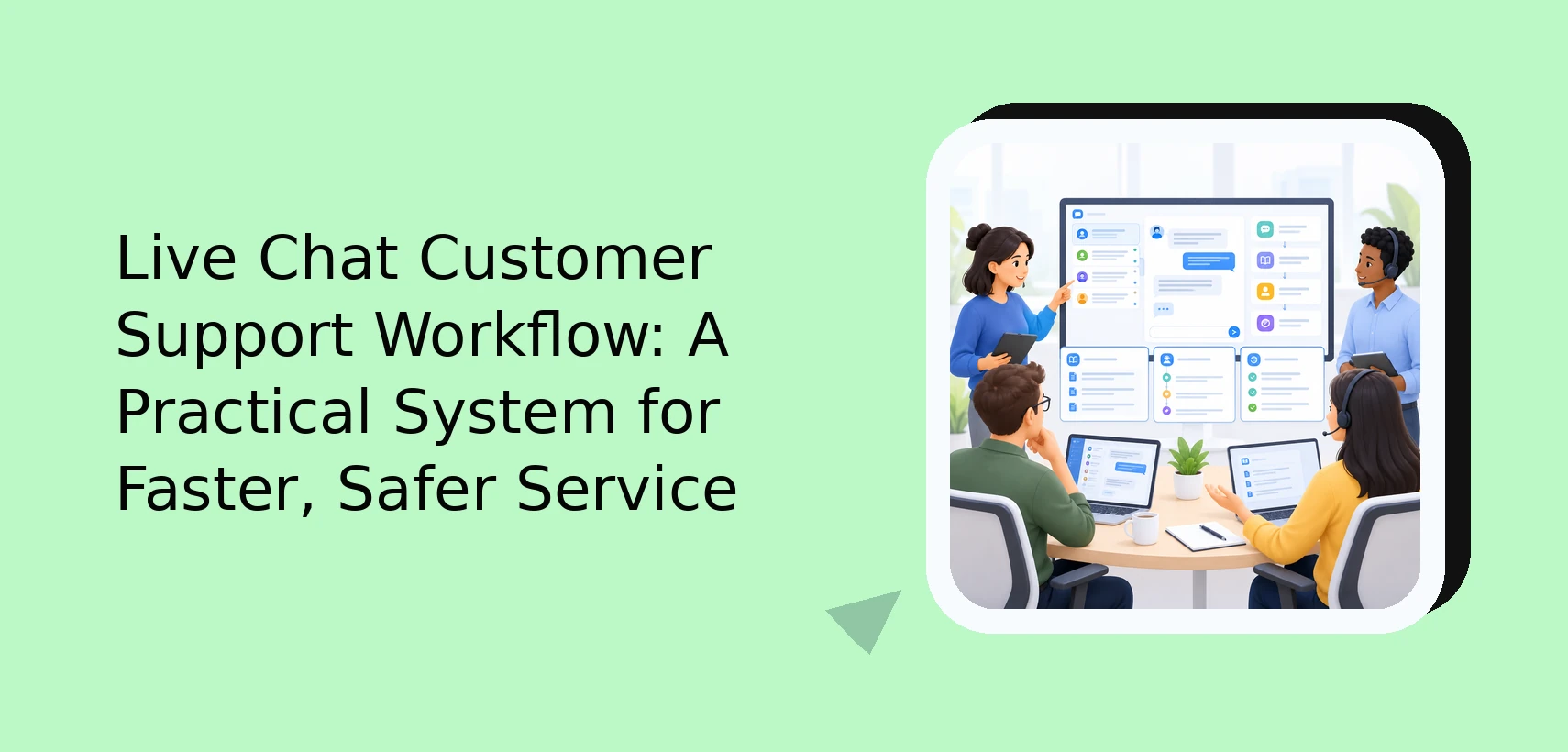
A live chat customer support workflow is a repeatable process for receiving, triaging, resolving, escalating, and reviewing customer conversations. The most effective workflows combine clear ownership, focused automation, reliable knowledge resources, safe data handling, accessible communication, and balanced performance metrics.
A live chat customer support workflow is a repeatable system for receiving, prioritizing, resolving, and learning from customer conversations. The strongest workflows combine clear ownership, fast triage, useful knowledge resources, safe data-handling practices, and thoughtful follow-up. They do not rely on agents improvising every response or rushing customers through a queue.
For small businesses and growing ecommerce teams, the goal is not simply to answer more chats. It is to make every conversation easier to manage while giving customers a clear path to resolution. That means defining what happens when a chat starts, how the right person receives it, when automation helps, when a human takes over, and how the team records the outcome.
This guide shows how to build a practical workflow that improves response consistency without making support feel robotic.
A live chat customer support workflow is the sequence of actions your team follows before, during, and after a customer conversation. It usually includes:
Without a defined workflow, support quality often depends on individual memory. One agent may tag a billing question correctly while another sends it to the wrong team. One person may know where to find the returns policy while another writes a new answer from memory. A workflow reduces that variation.
A useful workflow should be detailed enough to guide agents but flexible enough to handle real conversations. Customers rarely describe their problems in the same words your internal categories use, so the system should support judgment rather than replace it.
Live chat creates an expectation of direct, conversational help. Customers may be comparing products, checking an order, troubleshooting an account, or reporting a problem that needs immediate attention. If the business has no clear process, the conversation can become fragmented quickly.
A structured workflow helps in five important ways:
Every conversation should have a person or team responsible for the next action. Clear ownership reduces duplicate replies, missed handoffs, and situations where everyone assumes someone else is helping.
Customers should receive the same core policy information whether they contact the business on Monday morning or during a busy promotional period. Templates, help articles, and internal guidance make that easier.
Agents lose time when they repeatedly search for basic information, reassign chats manually, or ask customers for details that are already available in the conversation. A workflow makes common actions easier to repeat.
Some issues require a specialist, a manager, a technical review, or an operations team. A defined escalation path prevents agents from making promises they cannot keep and gives customers a clearer explanation of what happens next.
When conversations are categorized consistently, managers can see which questions appear most often, where customers get stuck, and which policies or product pages create confusion. That information can improve the website, product, onboarding, and support content.
Start by mapping the customer’s journey from the first message to the final resolution. Avoid beginning with software settings. First decide what a good support experience should look like, then configure your tools around that process.
Review recent conversations, contact forms, email tickets, and sales questions. Group them into practical categories such as:
These categories should be understandable to agents and useful for reporting. Do not create dozens of labels at the beginning. A small set of clear categories is easier to apply consistently and can be expanded later.
The first stage of the workflow should collect enough information to understand the request without forcing customers through a long form. Depending on the business, helpful details may include the customer’s name, email address, order number, product name, account type, or preferred contact method.
Use short, conversational prompts. For example:
Do not request sensitive information unless it is genuinely needed and your process is designed to handle it safely. Customers should not be asked to send passwords, full payment card numbers, or other unnecessary secrets through chat.
Routing should answer one question: who is best positioned to move this conversation forward? You may route by topic, language, business hours, product line, customer segment, or urgency.
For example, a simple routing model could look like this:
Keep routing rules visible to the team. If agents do not understand why a chat is assigned to them, they may reassign it unnecessarily or delay their first response.
Canned responses can save time, but they work best as starting points. A useful response library should include the approved answer, when to use it, what information to verify, and what the agent should do if the customer’s situation is different.
For example, a delivery response might include:
Agents should personalize the opening and closing of the message. The goal is not to hide that a template was used; the goal is to remove repetitive typing so the agent can focus on context and empathy.
For more examples, review this guide to live chat responses for customer support.
A knowledge base is only useful when it reflects the current customer experience. Review articles whenever pricing, product features, policies, shipping methods, or account processes change.
Write articles around customer questions rather than internal department names. “How do I change my shipping address?” is usually more useful than “Fulfillment administration procedures.” Use short sections, descriptive headings, screenshots where helpful, and clear next steps.
A strong knowledge base also helps agents answer with confidence. The agent can use the article as a source of truth while still adapting the explanation to the customer’s specific situation. Learn more about the benefits of a knowledge base for customer support.
Automation should remove unnecessary waiting and repetitive work, not create a maze that customers must navigate before reaching a person. The best automation handles predictable steps while preserving a clear human path.
Automation can help customers find business hours, policy pages, order instructions, product details, or common troubleshooting steps. It can also collect basic information before an agent joins the conversation.
Keep automated messages short and offer choices that match the customer’s likely intent. If the customer indicates that the suggested answer did not help, the workflow should provide a clear way to contact a human.
Conversation tags, customer details, page context, and previous messages can help agents understand a request faster. They can also help identify chats that need an urgent response, such as a payment problem or a time-sensitive order issue.
Prioritization should be based on business rules that the team can explain and review. Avoid creating a system where every conversation is marked urgent. When everything is urgent, agents cannot tell what needs attention first.
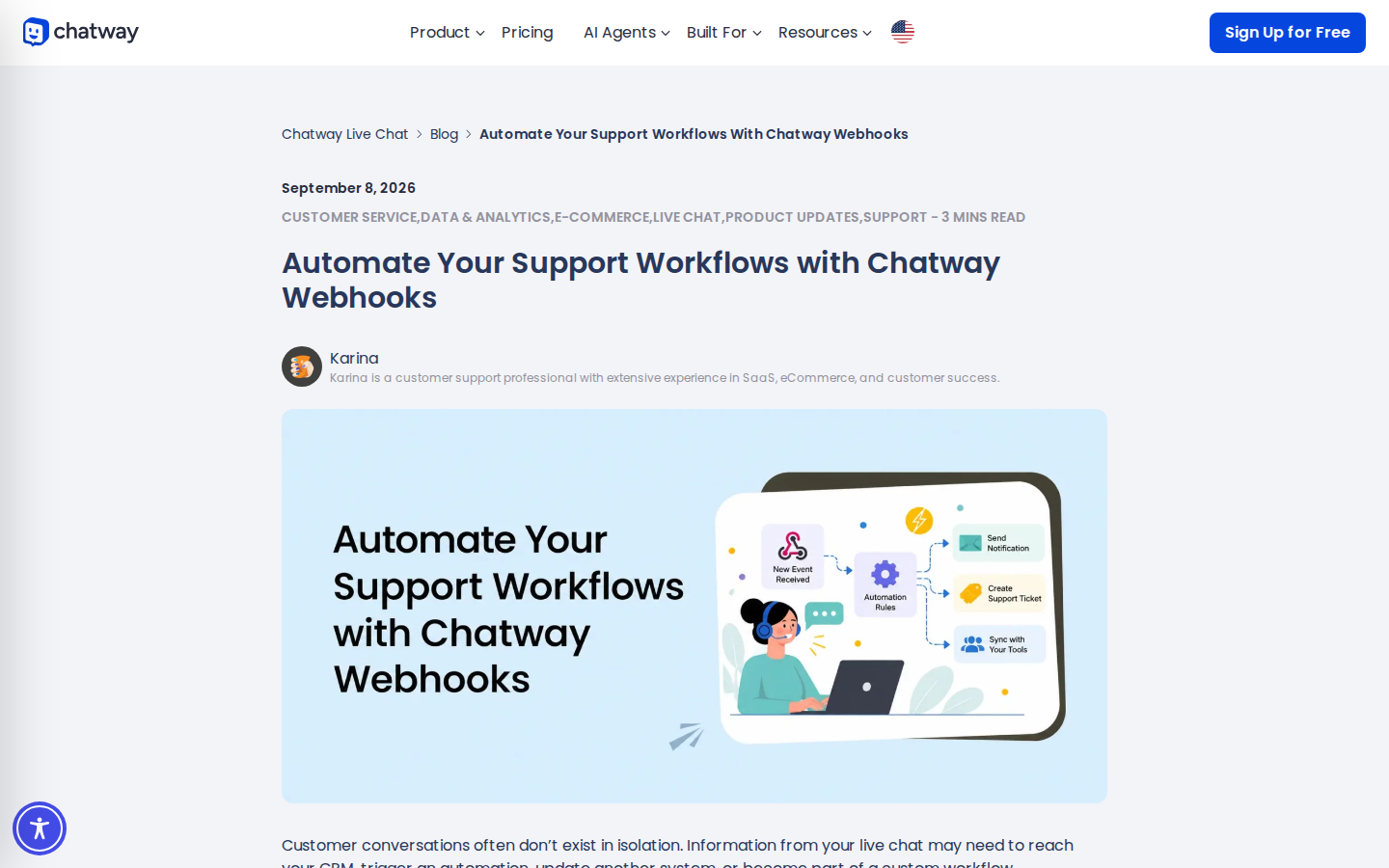
If a support conversation needs to trigger an internal action, an integration or webhook may reduce manual copying and pasting. For example, a workflow might notify an internal channel, create a task, or pass a structured event to another system.
Before automating a handoff, define the required fields, the owner of the next action, and the failure path. If an automated step does not complete, the customer should not be left waiting without an explanation.
For technical teams, this guide to support workflows with Chatway webhooks provides a useful starting point for thinking about event-based processes.
Escalation is not a failure of frontline support. It is a controlled way to involve the right person when the request requires additional authority, context, or technical knowledge.
Define escalation triggers such as:
Every escalation should include a concise summary, relevant conversation history, actions already taken, the customer’s desired outcome, and the next owner. This prevents the customer from repeating the entire story.
Security should be part of the escalation design. The Federal Trade Commission advises businesses to protect customer information and avoid keeping sensitive data unless there is a business need. Apply that principle to chat by limiting access, avoiding unnecessary collection, and documenting who can view or change customer records. Read the FTC’s guidance on protecting personal information in business.
A practical agent sequence can be summarized in six steps:
Agents should avoid sending several short messages that create confusion. A concise, complete reply is usually easier to follow than a stream of fragments. At the same time, agents should not leave customers waiting silently while researching an issue. A brief progress update can maintain trust during a longer investigation.
For support teams focused on speed, this practical guide to improving live chat response time can help connect response goals with better process design.
Customers may access a chat widget with a keyboard, screen reader, voice control, magnification, or other assistive technology. Accessibility should therefore be considered in both the chat interface and the language agents use.
The Web Content Accessibility Guidelines 2.2 state that functionality should be operable through a keyboard and that user-interface components should have appropriate names and focus behavior. These principles are relevant to chat widgets, forms, buttons, conversation controls, and notifications. Review the official WCAG 2.2 guidance from W3C.
Agents can also make conversations more accessible by:
Accessibility is not merely a design concern. It affects whether customers can ask for help, understand the response, and complete the next step without assistance.
Metrics should help the team improve the customer experience, not encourage agents to rush through conversations. A balanced measurement system may include:
Review metrics together. A shorter average conversation may look positive until you discover that customers are reopening chats because the original answers were incomplete. A high resolution rate may also hide excessive refunds or policy exceptions if agents are not given appropriate guidance.
Pair quantitative data with conversation reviews. Read a sample of successful, reopened, escalated, and low-rated conversations. Look for recurring issues such as unclear product pages, missing policy information, slow internal approvals, or confusing automated prompts.
If agents need to apply many tags, follow several branching rules, and update multiple systems for every chat, the process will become inconsistent. Begin with the few steps that have the greatest operational value.
Fast replies are helpful, but they are not a substitute for correct answers. Set expectations for both responsiveness and quality. Agents should have enough time to read the conversation and verify important information.
Automation should not trap customers in repeated loops. If the customer cannot find the right answer, provide a clear escalation path and explain what information will help the next agent.
Old templates and help articles can create more work than they save. Assign owners to important content and review it after policy, product, or process changes.
Only collect what is needed for the task. Limit sensitive information in transcripts and internal notes, and make access permissions match each team member’s responsibilities.

Treat the workflow as a living operating system for customer support. Set a regular review cycle, such as monthly for high-volume teams or quarterly for smaller teams.
During each review, ask:
Make one or two targeted improvements at a time. A new help article, a better routing rule, or a clearer escalation template may produce more value than a complete process redesign. Document the change, explain it to agents, and review whether the intended problem actually improved.
Clear ownership is one of the most important parts. Every conversation should have a responsible agent or team, a defined next action, and a clear escalation path if the first person cannot resolve the issue.
Yes, when automation handles predictable tasks such as collecting basic context, showing help articles, sharing business hours, or routing conversations. Small businesses should avoid automation that makes it difficult to reach a person or gives uncertain answers without review.
Collect only information needed for the request, avoid asking for passwords or full payment details, limit transcript access, use approved systems, and define an escalation process for sensitive account or security concerns. Teams should also review retention and access practices with the appropriate internal owner.
Start with the most common and stable questions rather than creating a template for every situation. Each canned response should include guidance about when to use it and what an agent must personalize or verify before sending it.
Monitor a combination of response time, resolution time, resolution rate, reopen rate, escalation rate, customer feedback, and conversation volume by category. Reviewing these metrics together gives a more reliable picture than optimizing one number in isolation.
Review the workflow regularly and update it whenever products, policies, staffing, or escalation responsibilities change. High-volume teams may review performance monthly, while smaller teams can use a quarterly review cycle supported by ongoing checks for outdated information.
A strong live chat customer support workflow gives agents structure without removing judgment. It combines clear intake, practical routing, reliable knowledge, safe escalation, accessible communication, and balanced measurement.
The best place to start is a simple map of the customer journey. Identify the most common questions, assign ownership, prepare trustworthy answers, define escalation triggers, and review real conversations regularly. As the business grows, integrations and automation can remove repetitive work, but the customer should always have a clear path to accurate and human support.
Gal Dubinski is the co-founder of Chatway, where he helps businesses improve customer communication through live chat and AI.

All,Customer Service,Product Updates - 6 Mins READ
Gal Dubinski is the co-founder of Chatway, where he helps businesses improve customer communication through live chat and AI.

All,Live Chat,Support - 10 Mins READ

SaaS Content Writer at Chatway focused on customer support and engagement. I write about live chat strategies that drive better engagement, satisfaction, and conversions.